
Table of Contents
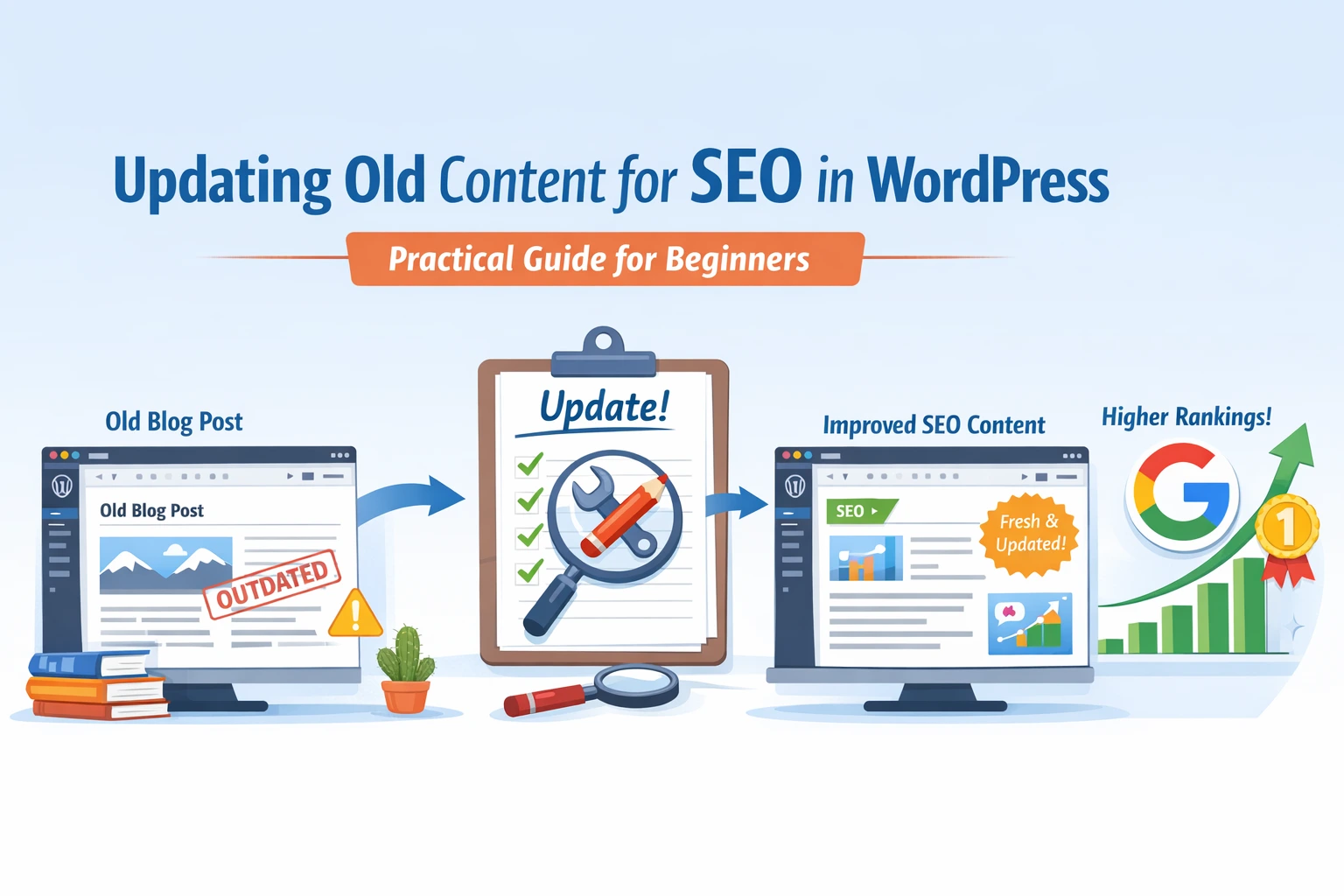
ToggleWhy Updating Old Content for SEO in WordPress Matters
Many bloggers believe that publishing new articles is the only way to grow their website. While new content is important, there is another powerful strategy that often gets overlooked — updating existing blog posts.
If you run a WordPress blog, learning about updating old content for SEO in WordPress can help you improve rankings, increase traffic, and boost click-through rates without creating brand-new content.
Search engines like Google prefer fresh, relevant, and updated information. When an article becomes outdated, its rankings can slowly drop. By refreshing the content, improving structure, and adding new insights, you can give that post a second chance to perform better.
Updating old posts can help you:
- Improve Google rankings
- Increase organic traffic
- Boost click-through rates (CTR)
- Keep information accurate and useful
- Strengthen your overall website authority
For beginners especially, updating existing articles can sometimes deliver faster SEO results than writing a new blog post.
What Does Updating Old Content for SEO Mean?
Updating old content for SEO simply means improving and refreshing an existing blog post so that it becomes more useful and relevant for readers and search engines.
Instead of deleting an older article or leaving it outdated, you enhance it by adding new information, improving readability, and optimizing it for search engines.
Common ways to update old content include:
- Updating outdated statistics or facts
- Adding new sections or explanations
- Improving headings and structure
- Including additional keywords naturally
- Adding internal links to other articles
- Improving images or visuals
- Updating the meta title and description
The goal is not to rewrite everything but to make the article more valuable than before.
How to Find Old Blog Posts That Need Updating
Before you start updating articles, you need to identify which posts actually need improvement.
Here are some simple methods beginners can use.
Check Google Search Console
Google Search Console is one of the best tools to identify posts that can improve with updates.
Look for posts that:
- Have impressions but low clicks
- Rank between positions 10–30
- Show declining traffic trends
These articles already have visibility but need improvement to rank higher.
Look for Posts Ranking on Page 2
- Many bloggers have posts ranking on Google page 2 or 3. These are excellent opportunities because they already have some SEO authority.
- Updating these articles can sometimes push them to page 1 results.
Identify Posts with Outdated Information
Content can become outdated quickly, especially in areas like:
- Digital marketing
- SEO strategies
- Technology
- Tools and software
If your article contains old statistics or outdated practices, updating it can improve its relevance.
Find Posts with Declining Traffic
Sometimes a blog post performs well initially but slowly loses traffic.
This often happens when:
- Competitors publish better content
- Search intent changes
- Information becomes outdated
Refreshing the article can bring back lost traffic.
Step-by-Step Guide: Updating Old Content for SEO in WordPress
Once you identify a post that needs improvement, follow this simple process.
Step 1: Review the Existing Content
Start by reading the entire article carefully.
Ask yourself:
- Is the information still accurate?
- Are there missing sections?
- Can explanations be clearer?
Your goal is to identify what needs improvement before making changes.
Step 2: Update Information and Add New Insights
Search engines reward content that stays current.
Improve your article by:
- Adding recent statistics
- Including new strategies or tools
- Updating examples
- Expanding important sections
Even adding one or two new sections can make the content significantly stronger.
Step 3: Improve Headings and Structure
Good structure improves both readability and SEO.
Make sure your article includes:
- Clear H2 and H3 headings
- Short paragraphs
- Bullet points where needed
- Logical flow between sections
This helps both readers and search engines understand the content better.
Step 4: Add Missing Keywords Naturally
Sometimes older posts were written without strong keyword optimization.
You can improve them by naturally adding related keywords such as:
- how to update old content for SEO
- update old blog posts for SEO
- updating old blog posts SEO
Do not force keywords. Instead, include them naturally where they make sense.
Step 5: Improve Internal Linking
Internal links help search engines understand your website structure.
Add links to:
- Related blog posts
- Relevant guides
- Supporting content
For example, if you have an article about keyword research, linking it from an SEO post helps readers explore more content.
Step 6: Update the Meta Title and Description
Your meta title and description influence whether people click your article in search results.
Make sure they:
- Clearly explain the benefit of the article
- Include the main keyword naturally
- Encourage users to click
Improving this can significantly increase CTR (click-through rate).
Step 7: Add New Images or Visual Elements
Visual content improves user engagement.
You can add:
- screenshots
- charts
- workflow diagrams
- infographics
These make the content easier to understand.
Step 8: Update the Publish Date
If major improvements were made, updating the publish date can signal freshness to both readers and search engines.
However, only do this when meaningful changes are added, not for small edits.
Real Example: How Updating Old Blog Posts Can Improve Results
Imagine you have a blog post ranking on page 2 of Google.
It receives impressions but very few clicks.
After updating the article, you:
- Improve headings
- Add new sections
- Update examples
- Add internal links
- Improve meta description
Over time, the updated content becomes more useful than competing articles.
This can lead to:
- Better rankings
- Higher click-through rates
- Increased organic traffic
Many SEO experts consider content updates one of the most effective ways to improve blog performance without creating new articles.
Expert Tips for Updating Old Blog Posts for SEO
Here are some helpful tips beginners can follow.
- Update Content Every 6–12 Months
Review your most important posts regularly to keep them fresh and relevant.
- Add Frequently Asked Questions
FAQs help address common reader queries and improve the chances of appearing in featured snippets.
- Improve Readability
Simple improvements can make a big difference:
- shorter paragraphs
- bullet points
- clearer explanations
Better readability often increases time on page.
- Analyze Competitor Content
Search your keyword on Google and study the top ranking articles.
Look for:
- topics they cover
- sections missing in your article
- additional insights you can add
This helps make your content more comprehensive.
- Strengthen Internal Linking
Internal links distribute authority across your website and help readers discover more useful content.
Common Mistakes When Updating Old Content
While updating content is beneficial, some mistakes can reduce SEO value.
Avoid these issues.
- Changing the URL Unnecessarily
- Changing URLs can break backlinks and reduce existing SEO strength.
- Only change URLs if absolutely necessary.
- Keyword Stuffing
- Adding too many keywords can make the article unnatural and harm rankings.
- Focus on quality writing instead of forced optimization.
- Updating Without Adding Value
- Small edits are not enough. Make meaningful improvements that truly help readers.
- Removing Important Ranking Keywords
- Sometimes bloggers accidentally remove keywords that were helping the article rank.
- Always check search performance before making major edits.
FAQs
1. Does updating old content help SEO?
Yes. Updating old content can improve search rankings because search engines prefer fresh, relevant, and well-maintained information.
2. How often should you update blog posts for SEO?
Many experts recommend reviewing important articles every 6–12 months to ensure they remain accurate and competitive.
3. Is updating old blog posts better than writing new content?
Both strategies are important. However, updating existing posts can sometimes produce faster SEO improvements because the content already has some authority.
Conclusion
Blog growth does not always require publishing new articles every week. Sometimes, the biggest improvements come from refreshing content you already have.
By learning how updating old content for SEO in WordPress works, you can:
- improve rankings
- increase traffic
- keep your content valuable for readers
Start by reviewing your existing posts and choose one article to update this week. Over time, this strategy can significantly strengthen your blog’s SEO performance.
If you found this guide helpful, feel free to leave a comment and share your experience updating blog posts.
You can also join our community to learn more about practical digital marketing strategies, affordable tools, and beginner-friendly workshops designed to help you grow online.