
Table of Contents
ToggleThe Importance of Testing Facebook Ads Audience
If you’ve ever run Facebook ads and wondered why you’re not getting results, the problem is often not your ad—it’s your audience.
Learning how to test Facebook ads audiences is one of the most important skills for beginners. Instead of guessing who might be interested, audience testing helps you use real data to find people who actually convert.
Many beginners make the mistake of targeting just one audience and hoping it works. But in digital marketing, success comes from testing and optimizing.
Here’s why audience testing matters:
- Helps you avoid wasting money on the wrong people
- Improves your ad performance and conversions
- Gives you clear data to make better decisions
- Helps you scale profitable campaigns faster
In simple words, if you don’t test your audience, you’re just guessing. And guessing costs money.
Common Mistakes Beginners Make While Targeting Audience
Before we go into the step-by-step process, it’s important to understand what most beginners do wrong.
1. Targeting Too Broad or Too Narrow
Some beginners target everyone, while others narrow it down too much. Both approaches can fail if not tested properly.
2. Not Testing Multiple Audiences
Running ads with only one audience gives you no comparison. Without comparison, you cannot optimize.
3. Changing Multiple Variables at Once
If you change audience, ad copy, and creatives all at the same time, you won’t know what actually worked.
4. Ignoring Data
- Many beginners stop ads too early or continue losing ads without checking performance metrics.
- If you’ve made these mistakes, don’t worry. The step-by-step method below will help you fix them.
Step-by-Step — How to Test Facebook Ads Audience
Step 1 – Define Your Goal
Before testing, be clear about what you want.
Ask yourself:
- Do you want website traffic?
- Do you want leads?
- Do you want sales?
Your goal will determine how Facebook optimizes your ads.
Step 2 – Create 2–3 Audience Variations
Instead of using one audience, create multiple variations.
For example:
- Audience 1: Interest-based (e.g., digital marketing, business owners)
- Audience 2: Lookalike audience (based on website visitors or page engagement)
- Audience 3: Broad audience (minimal targeting, letting Facebook optimize)
This is the foundation of Facebook ads audience testing for beginners.
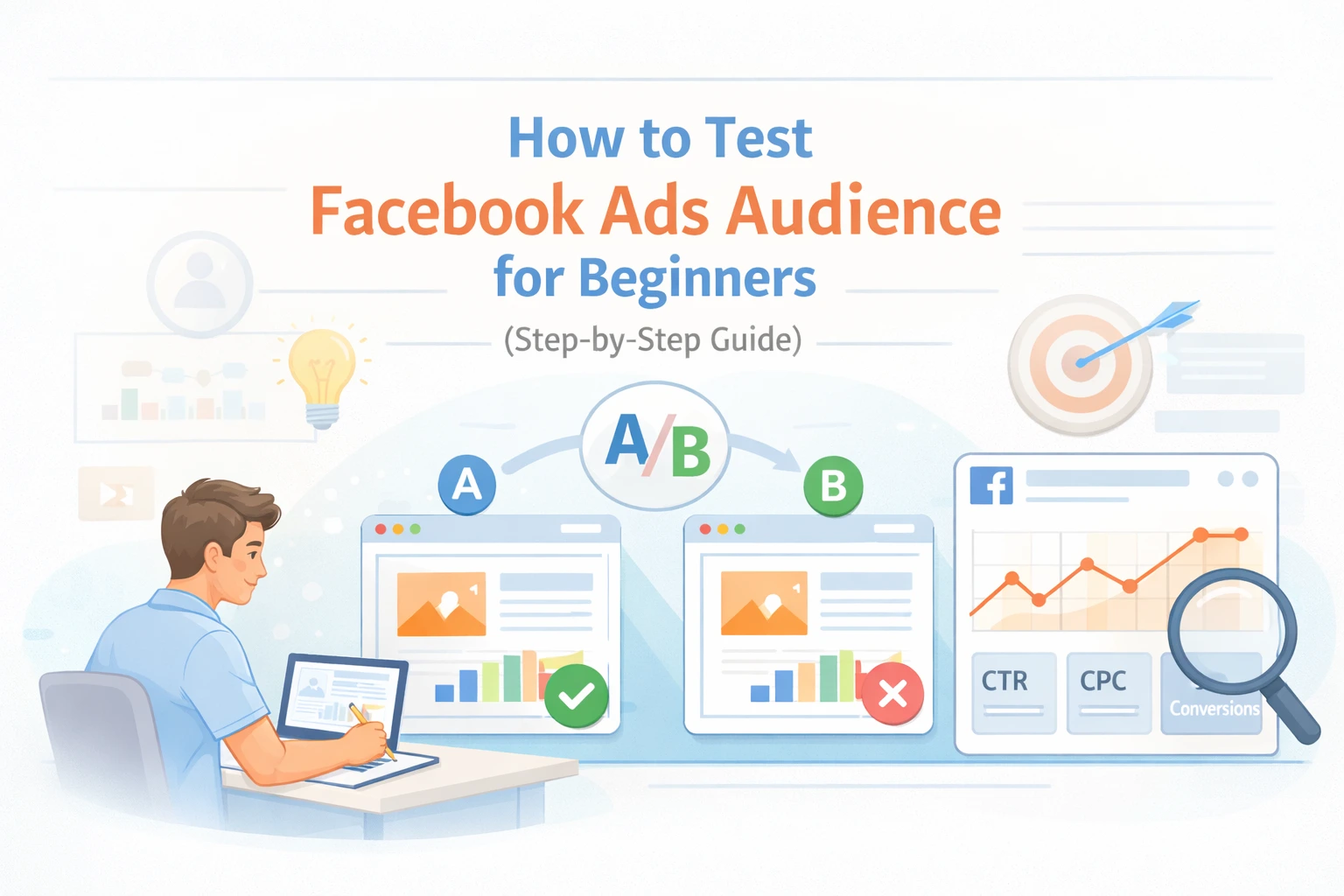
Step 3 – Use A/B Testing (Split Testing)
- Facebook provides a feature called split testing, also known as A/B testing.
- In this method, you run multiple ad sets with different audiences while keeping everything else the same.
- This helps you clearly identify which audience performs best.
Step 4 – Keep Everything Same Except Audience
This is the most important rule.
To get accurate results:
- Use the same ad creative
- Use the same headline and copy
- Use the same budget
- Use the same campaign objective
Only change the audience. This ensures that the difference in performance comes only from the audience.
Step 5 – Run Ads for 3–5 Days
- Many beginners make the mistake of stopping ads too early.
- Let your ads run for at least 3 to 5 days so Facebook can gather enough data.
- Avoid making changes during this period unless performance is extremely poor.
Step 6 – Analyze Results
Once your test is complete, check key metrics:
- CTR (Click-Through Rate): Are people clicking your ad?
- CPC (Cost Per Click): How much are you paying per click?
- Conversion Rate: Are users taking action?
- Cost Per Result: Are you getting results at a reasonable cost?
The audience with the best performance is your winner.
Best Way to Test Audience in Facebook Ads (Pro Tips)
Once you understand the basics, these tips will help you improve faster.
1. Start with a Small Budget
You don’t need a big budget to test. Start small and scale later.
2. Test 2–3 Audiences at a Time
Testing too many audiences can confuse results and increase costs.
3. Kill Losing Audiences Early
If an audience performs poorly after a few days, stop it and focus on better ones.
4. Scale Winning Audience
Once you find a winning audience, increase the budget gradually instead of suddenly.
How to Check Competitors Facebook Ads Audience
Understanding what your competitors are doing can give you valuable insights.
One of the best tools for this is the Facebook Ad Library.
Here’s how to use it:
- Search for your competitor’s brand
- Analyze the type of ads they are running
- Look at messaging, offers, and creatives
- Identify patterns in their targeting approach
While you won’t see exact targeting settings, you can still learn a lot from their strategy.
Expert Tips for Facebook Ads Audience Testing
These practical tips can make a big difference in your results.
1. Combine Interests Smartly
Instead of targeting random interests, combine related ones for better relevance.
2. Avoid Audience Overlap
If two audiences are too similar, they may compete with each other.
3. Use Exclusions
Exclude irrelevant users to improve targeting quality.
4. Test Creatives Separately
Do not mix creative testing with audience testing. Test one variable at a time.
FAQs
1. How long should I test Facebook ads audience?
You should test for at least 3 to 5 days to collect enough data before making decisions.
2. What is the best audience size for testing?
A good starting range is between 500,000 to 2 million people, depending on your niche.
3. Can beginners do Facebook ads split testing easily?
Yes. Facebook’s built-in A/B testing tools make it easy, even for beginners
Conclusion
Learning how to test Facebook ads audiences is one of the most valuable skills you can develop as a beginner.
Instead of guessing, you now have a clear step-by-step process:
- Create multiple audiences
- Keep variables consistent
- Run tests properly
- Analyze results and scale winners
If you follow this method, you’ll not only save money but also improve your ad performance consistently.
If you have questions or want help with your campaigns, feel free to share in the comments.
If you want to learn more practical strategies like this, stay connected for upcoming workshops, beginner-friendly courses, and useful tools that can help you grow faster in digital marketing.